Does KidSpin really have no ads?
Many kids apps say "ad-free" when they mean "ad-free if you pay". KidSpin's free version has no ads because the ad code was removed from the app entirely. That has three practical effects:
- Nothing interrupts a lesson. No video before a game, no "watch to unlock".
- No advertising ID. The app does not request Android's advertising identifier, so it can't be used to profile your child.
- Google Play's Data safety section lists almost nothing: only an optional device ID used to check a Bonus Pack unlock code, not shared with anyone.
Google Play's Data safety section for KidSpin lists one item: an optional device ID for licence-code checks. KidSpin's full safety details.
What "works offline" means
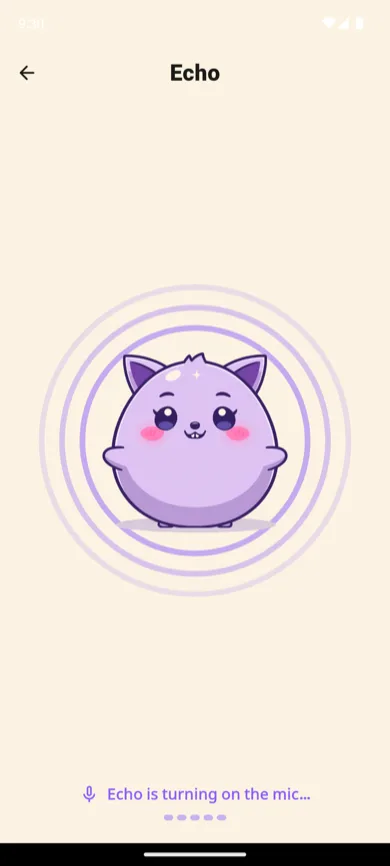
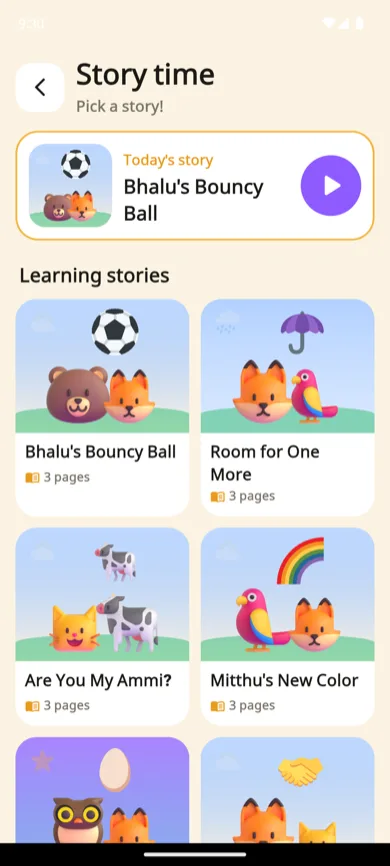
Everything a child uses is stored in the app: 16 learning modules, 16 story books, eight games, Calm Time and Echo. Echo records your child's voice to a temporary file on the phone, plays it back, and deletes it, so it needs no internet either.
| Feature | Works offline? |
|---|---|
| Letters, qaida, numbers, maths, animals and all other lessons | Yes |
| Letter tracing and all eight games | Yes |
| Story books and Calm Time | Yes |
| Echo talk-back | Yes |
| Words read aloud | Yes, using your phone's voice (Urdu voice may need a one-time download) |
| Buying the Bonus Pack or entering an unlock code | Needs internet |
Check any kids app in two minutes
- On the Play Store listing, look under the title for "Contains ads" and "In-app purchases".
- Open Data safety. "Data shared with third parties" should be empty for a preschool app.
- Look for the "Teacher Approved" badge on Google Play; it means teachers reviewed the app for young children.
- Install it, switch on airplane mode, and play for five minutes. Blank boxes or errors usually mean ads.
- Tap the settings or shop button. A real parental gate should ask a grown-up question first.
Questions parents ask
Is KidSpin completely ad-free?
Yes. Since version 1.0.3 (September 2026) KidSpin contains no advertising SDK. There are no banner, video or pop-up ads in the free app, and no ad network receives data from it.
Does KidSpin need internet?
Lessons, games and stories are inside the app and open without internet. Spoken words need a text-to-speech voice installed on the phone for offline use, and the Urdu voice may need a one-time download. Purchases, restores and unlock-code checks use the internet.
Why does the Urdu voice not speak offline on my phone?
KidSpin uses your phone's text-to-speech engine to read words aloud. English voices come pre-installed on almost every Android phone; the Urdu voice sometimes needs a one-time download in the phone's speech settings. KidSpin shows parents how to add it.
How can I tell if any kids app has ads before installing?
On the Google Play listing, look under the app name for "Contains ads", and open "Data safety" to see what the app collects and shares. After installing, switch on airplane mode and use the app for a few minutes: ad-supported apps often show empty boxes or error messages where ads would load.
What other kids learning apps have no ads?
Khan Academy Kids and Duolingo ABC are also free with no ads. Khan focuses on English learning and also offers some English/Spanish read-aloud books; Duolingo ABC focuses on English literacy. KidSpin adds Urdu, namaz, kalmas and duas.
